Showing posts with label Photoshop. Show all posts

Wednesday, 16 October 2013

Designing The Album Cover

I Started With a template for a 4 panel digipak. 

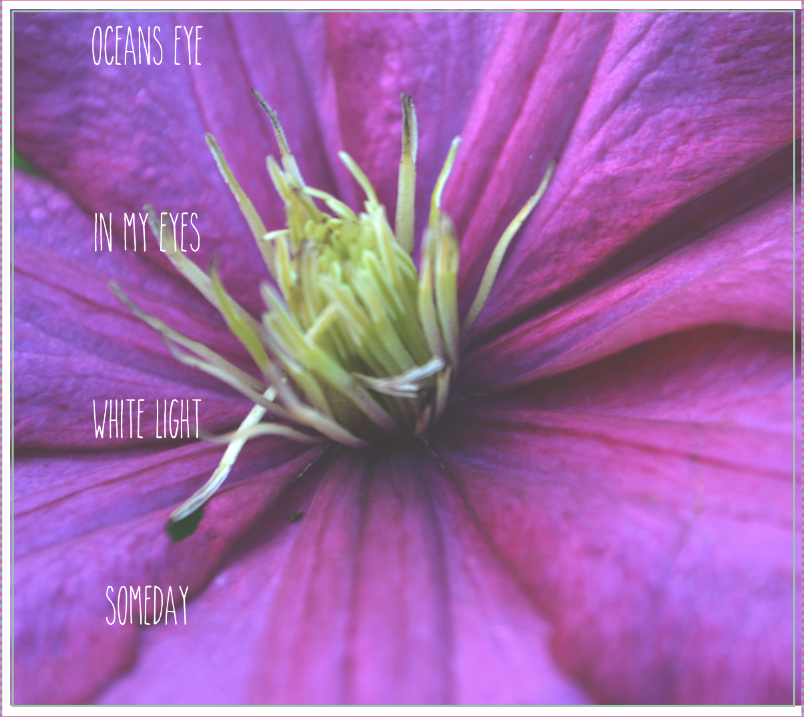
I then placed the image of a flower that i wanted onto the template and resized it to the size of the box without distorting the image. 


I then changed the exposure to give it a more vintage looking effect.

I then typed out the title of the album , 'A Beautiful Life', and arranged the text at the bottom left of the image. 

Designing The Back Cover And Spine

Back Cover:

I first started off with a template of a template of a 4 Panel Digipak.

I then added the image i wanted onto the template and cropped it to the size of the box without distorting the image. 

After that i started to add the track names to the back cover.


I then added a par code to the back cover.

Then put on the record labels logo

and their copy right infringement.

Spine:

I Started off with the template for a 4 panel digipak spine.

Then added the image i wanted to go onto the spine.

Placed the record labels logo one the bottom of the spine

And lastly added the name of the album and the artists name.

After I had made the Back Cover & the Spine I changed the exposure of them both to make them look vintage. 

Exposure Settings: 


Designing The Draft Magazine Advert

I First Started of with a 201mm in width and 297mm in hight (A4 Size) blank page.

I then placed the image i used for the album cover onto the page and croped it without distorting the image to fit the page. 


After this is added 'Rosa-Leigh' in large letters at the top of the page to catch the audiences eye.

I then put the title of the album in smaller letters just below the middle of the page so that audience will still see the name of the album as well as the artist.

I Put a rectangular line under the name of the title to separate the information about the album from the artists name and the albums name. 

I then added in smaller letters when the album would be available so the audience would know when to buy the album.

And finally i added the website name at the bottom middle of the page, then the recording label at the bottom right so people can see what quality of music and what genres the album will be linked too and finally added the 'amazon.com' logo so that the audience knew where they could buy the album from.